Find an application
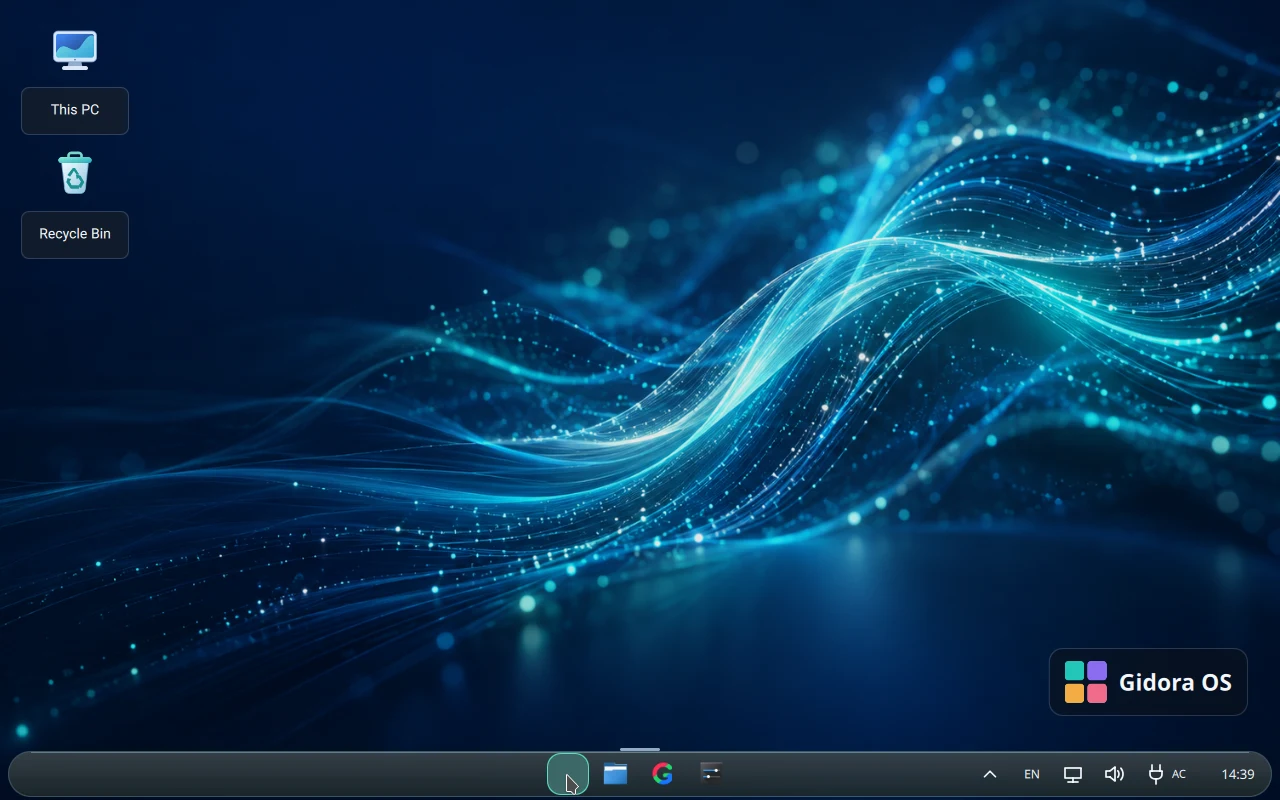
Open the four-color launcher in the taskbar. Type part of an application's name and open the matching result. If it does not appear, look up the package in Store. The catalog shows whether the app is in the ISO or separately listed in the repository.
Create a practice file
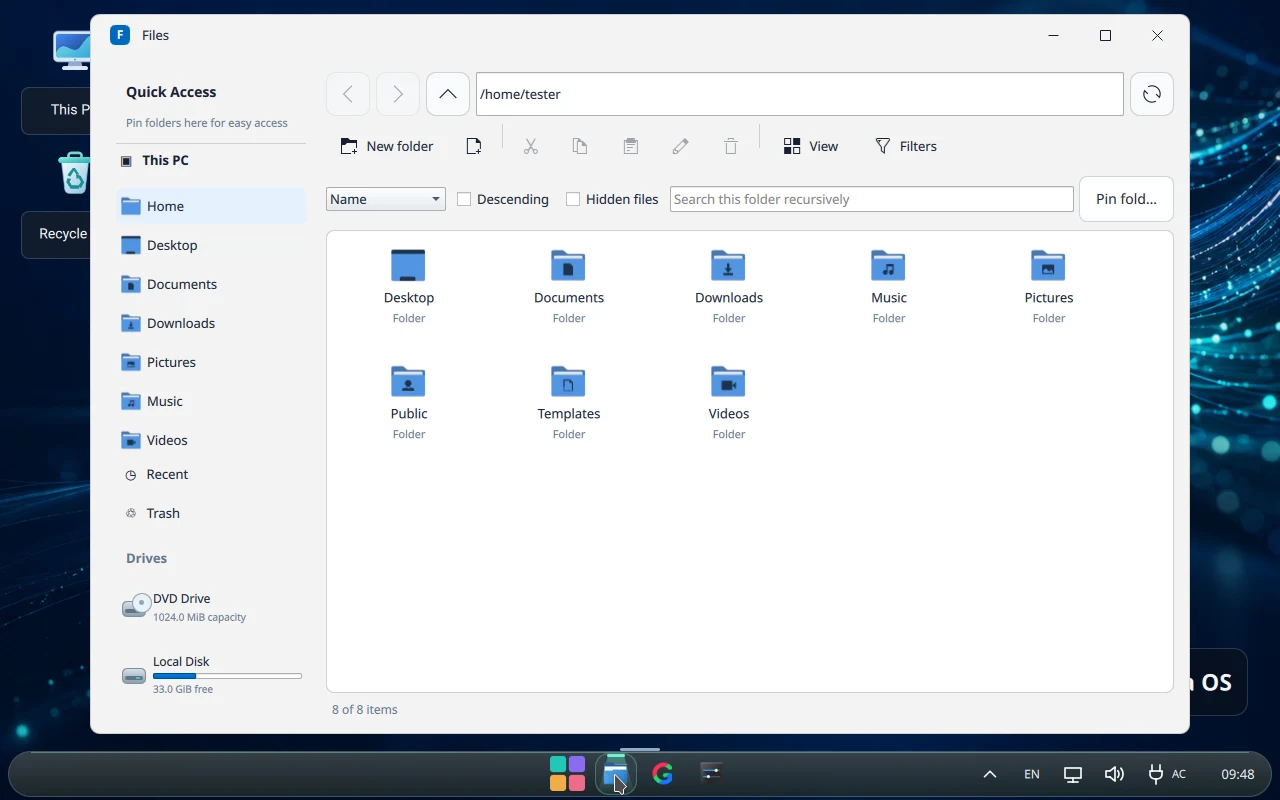
Open Files. Create a Practice folder in your home folder. Save a text file there, use Copy and Paste to duplicate it, and rename the copy. Send it to Trash and restore it. Permanent deletion or emptying Trash removes the usual recovery option.
Everyday settings
Open Settings from the launcher and choose the display, sound, or input section. After display changes, check readability and scaling. Use the taskbar for notifications, sound, and network. Labels or placement can change between builds.